
Adding FAQs to your event
To add a FAQS to your event, follow the instructions below:
1) Click on New event (fill in title and description) on the main menu or click Edit for an existing event.
2) Click on the Category tab.
3) Click on the Event FAQ button.
4) Click the Add FAQ button at the top to enter the title and answer for your FAQ. You can add up to 20 FAQs.
5) Click the move button to rearrange FAQs. If you need to organize multiple FAQs under different sections, use the add new header button to create additional FAQ titles.
6) Click save to finalize all changes.
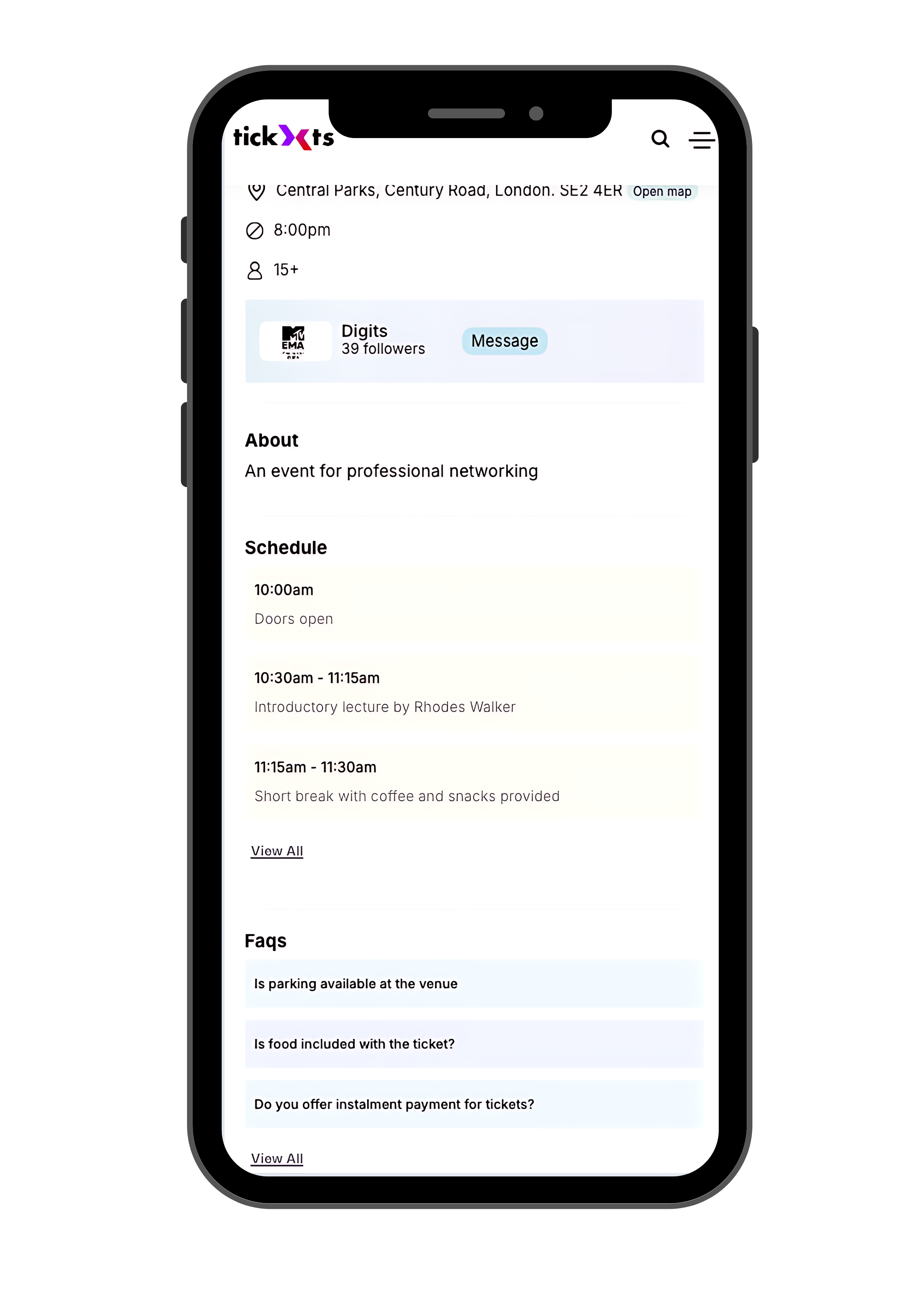
FAQS
Last updated: 8 months ago
Published: 7th Nov, 2024